
Pumps and interface
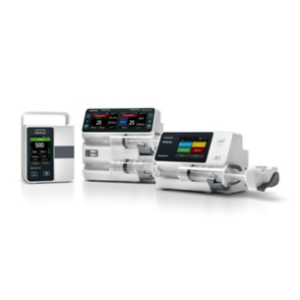
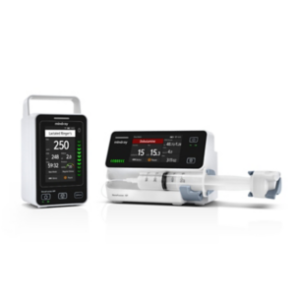
The BeneFusion e Series groups eSP and eVP pumps with the eDS docking solution. The family presents a 3.5-inch colour capacitive touchscreen and an interface for programming infusion parameters. For eVP specifically, the IV-set loading workflow includes an automatic tubing clamp, installation instructions and a check of the loaded set. Specify the pump model and required docking arrangement separately.7
Library and pressure display
SafeDose™ uses colour-coded drug names. SafeDose™ DERS applies configured hard limits and requires confirmation to override soft limits. The Dynamic Pressure System (DPS) displays pressure numerically and graphically. An alarm animation provides problem-solving guidance. Specify the required SafeDose™ software functions and drug-library setup for the intended pump configuration.7
Docking and central monitoring
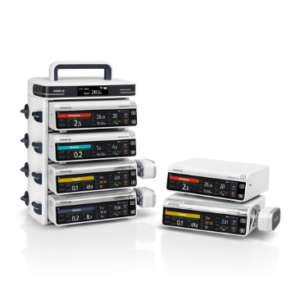
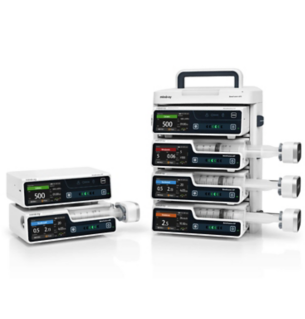
The eDS modular docking design supports expansion from 2 to 16 slots, depending on the assembled docking configuration. The e Series supports circular and customized multichannel relay. BeneVision CMS provides centralized viewing of vital-sign and infusion information. Define the eDS slot arrangement, relay requirements and CMS connection alongside the selected pumps; these are distinct parts of the infusion installation.7